
The whole delivery day on one map
PickUpper builds trips, shows vehicles on the move and reconciles returns, even when the driver has no signal.
The plan is ready by the start of the shift
Orders from your accounting system sort themselves into vehicles and routes. The dispatcher only has to check the trips and send them to the drivers.
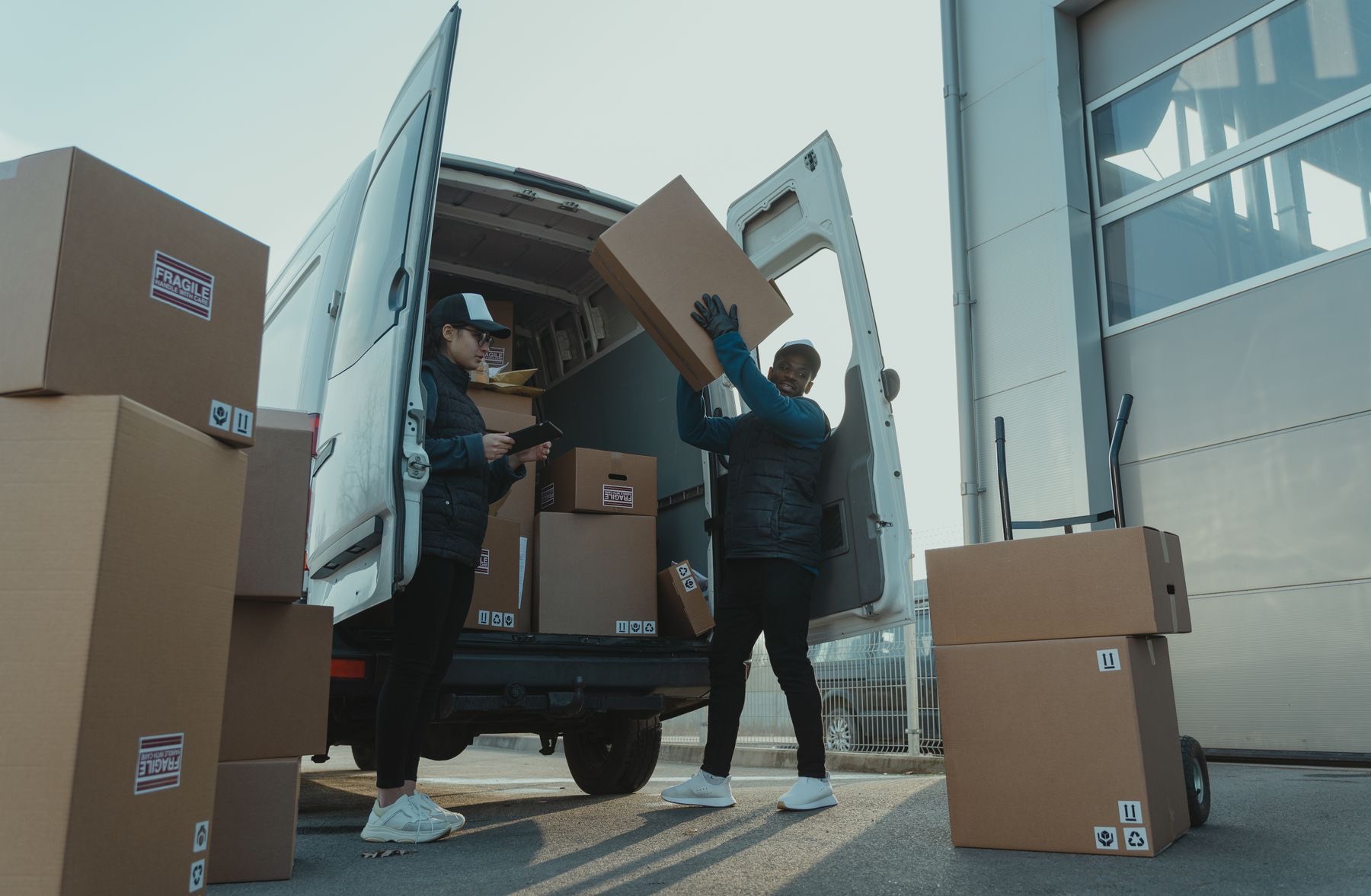
07:10Orders from your accounting system. They arrive from 1C or SAP with no manual entry.
07:25Delivery windows and capacity. Taken into account when trips are built.
07:40The remainder goes to the “Unplanned” list. Orders that did not fit are visible right away.
You see everything while vehicles are on the road
Every vehicle, every stop and every delay on one screen. You have to call drivers less often.
Where the vehicle is. And how many stops are left in the trip.
What went wrong. A refusal, a closed location or a delay shows up for the dispatcher right away, with the reason.
Works in a basement just like on the street
The app does not need a network. The signature, photo and stop outcome are saved on the phone and go to the office as soon as there is a connection.

- Route and waybills without internet. Everything needed is loaded onto the phone before departure.
- Signature and photo at the door. Proof of receipt stays on the order card.
- Short deliveries and containers by line item. The driver enters the outcome on the spot, not in the evening on paper.
The numbers match your accounting system
What was delivered, what came back and where the discrepancy is: for every line item, not as one total.
- orders completed
- 78 of 81
- items returned from vehicles
- 36
- orders with discrepancies, reason given for each
- 3 of 81
Connects to your accounting system: 1C, SAP, Logo
For IT teams: how to connect
We will show PickUpper on your own delivery day
Tell us how many vehicles you have and where your orders come from. We will prepare a demo for your task.